Bill Payment App Guide for Monthly Expense Control and Safety
A bill payment app allows users to manage recurring household and personal expenses through a single digital platform. Electricity, water, gas, broadband, mobile, insurance, subscription, and other payments can often be completed without visiting separate service centres or websites.
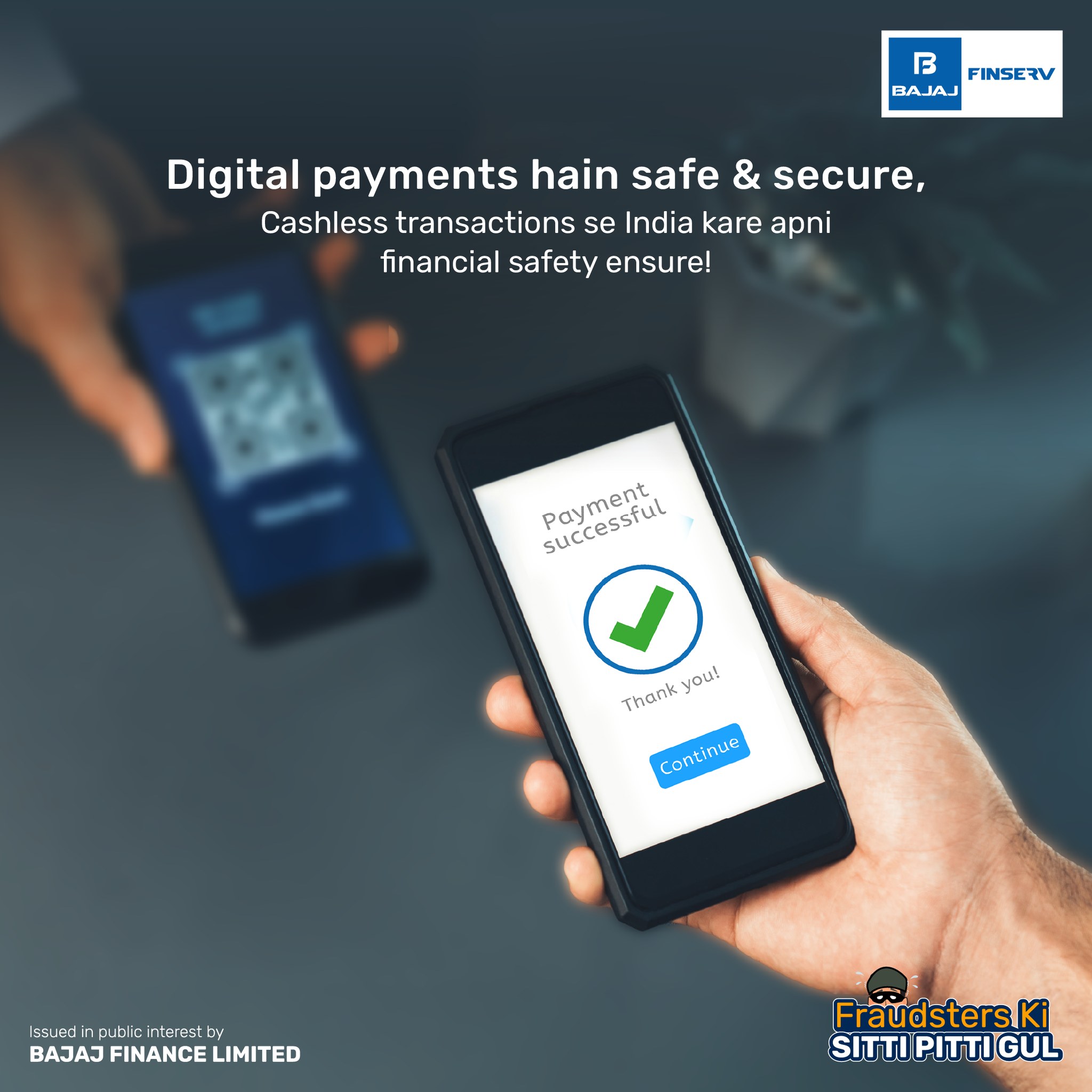
The convenience of digital payment does not remove the need for careful verification. Users should review the biller name, account number, billing period, amount due, payment method, and transaction status before considering a payment complete. A structured approach can help reduce missed deadlines, duplicate payments, and unnecessary late charges.
Some platforms may display an upi offer when users select a particular payment method or complete an eligible transaction. Such offers should be treated as secondary benefits, while payment accuracy, security, settlement time, and applicable charges remain the primary considerations.
How a Bill Payment App Works
A bill payment app connects users with supported service providers and payment channels. After selecting a bill category, the user generally enters a consumer number, registered mobile number, account ID, policy number, or another service-specific identifier.
The application may then fetch the latest bill automatically. The displayed information can include the customer name, billing period, due date, amount payable, and previous outstanding balance.
Once the details are verified, the user selects an available payment method and completes authentication. A successful transaction usually generates a digital receipt containing the payment reference, date, amount, and biller information.
Common Bills Managed Through an App
A digital payment platform may support several categories of recurring expenses.
Utility Expenses
Electricity, water, gas, and municipal service charges are commonly available. Users should ensure that the correct consumer number and location are selected, particularly when they manage more than one property.
Communication Services
Postpaid mobile, broadband, landline, and television bills can usually be fetched through a registered number or customer ID.
Financial Commitments
Some applications support insurance premiums, credit card dues, housing society charges, education fees, and selected loan repayments.
Digital Subscriptions
Streaming services, software plans, cloud storage, and other recurring digital services may also be managed through scheduled or manual payments.
The range of supported billers differs across applications, so users should confirm availability before depending on one platform for every expense.
Organising Bills by Due Date
A digital application becomes more useful when users create a clear payment routine instead of opening it only when a reminder arrives.
Bills can be divided into three groups:
- Early-Month Commitments
These may include rent-related charges, insurance premiums, school fees, or fixed subscriptions.
Mid-Month Commitments
Mobile, broadband, utility, and card payments may fall within this period.
End-of-Month Commitments
Certain service providers generate bills later in the month, requiring users to reserve sufficient funds after other expenses have been paid.
Grouping bills by due date helps identify weeks with higher payment pressure. It also allows users to maintain sufficient balance before multiple transactions become due.
Setting Useful Payment Reminders
A reminder should provide enough time to review the bill rather than simply notify the user on the final day.
An effective reminder routine may include:
- An initial alert several days before the due date
- A second alert one or two days before payment
- A final confirmation check after the transaction
The first reminder gives the user time to verify unusual increases, billing errors, or previous outstanding amounts. The later reminder helps ensure that adequate funds are available.
Users should continue checking reminders even when automatic payment instructions are active. Scheduled transactions can fail because of insufficient balance, technical issues, or expired mandates.
Reviewing Details Before Payment
A bill should be treated like any other financial transaction. The user should pause before authorising it and confirm all important details.
The customer name should match the intended account holder. The consumer or service number should also be reviewed, especially when several saved billers have similar names.
The billing period confirms that the user is paying the current bill rather than an older or previously settled amount. The due date shows whether a late fee has already been added.
The total debit may include convenience fees, processing charges, taxes, or penalties. Users should review the final payable amount rather than only the original bill value.
Choosing a Payment Method
The best payment method depends on settlement time, transaction size, convenience, security, and possible charges.
Bank Account Payments
Direct account-based payments can provide a clear transaction trail and may be suitable for regular household bills.
Mobile Payment Methods
Mobile-based payments are often quick and convenient for utilities, recharges, subscriptions, and smaller recurring amounts.
Debit or Credit Cards
Cards may be accepted for selected bills, but users should check whether the platform or biller adds a convenience charge.
Automatic Mandates
Scheduled instructions can reduce the chance of missing a deadline. However, users should monitor the amount and cancel mandates for services they no longer use.
The payment option should be selected after reviewing both convenience and total cost.
Managing Saved Billers Safely
Saving biller details can make future transactions faster, but old or incorrect accounts may create payment errors.
Users should periodically review saved billers and remove:
- Closed utility accounts
- Previous rental-property connections
- Cancelled subscriptions
- Old mobile numbers
- Inactive insurance policies
- Duplicate customer profiles
Saved details should not replace final verification. A previously correct consumer number may become irrelevant after relocation, service cancellation, or account transfer.
The displayed customer name should always be checked before completing the payment.
What to Do When a Payment Is Pending
A pending transaction means the platform has not received final confirmation from one or more systems involved in processing the payment.
Users should not immediately repeat the transaction. The first payment may later become successful, resulting in a duplicate settlement.
The correct approach is to check the application history and linked bank account. The transaction reference should be saved in case a complaint becomes necessary.
If the amount has been debited, users should wait for the stated processing period before attempting another payment. The biller’s account should also be checked for an updated status.
Handling a Failed Transaction
A failed payment can occur because of network problems, incorrect authentication, insufficient balance, bank maintenance, or a payment-gateway issue.
When the amount has not been deducted, the user may retry after checking account details and service availability.
When the amount has been deducted but the bill remains unpaid, repeated attempts should be avoided. Many such transactions are reversed automatically within the applicable timeline.
If the reversal or bill update does not occur, the complaint should be raised through the official application, bank, or biller support channel. The user should provide the payment reference, amount, date, and biller details without sharing confidential credentials.
Preventing Duplicate Payments
Duplicate payments often happen when users assume that a delayed confirmation means the transaction failed.
Before paying again, check:
- Application transaction history
- Bank account debit
- Biller payment status
- SMS or email confirmation
- Reference number
A second transaction should be made only after the first payment has clearly failed or been reversed.
When two successful payments occur, the user may need to contact the biller for adjustment or refund. Processing rules differ, so payment receipts should be retained.
Security Practices for Digital Payments
The application should be downloaded only from an official app store or verified provider website. Users should confirm the developer name and avoid installing applications through unknown links.
Passwords, one-time passwords, card verification codes, and payment PINs should never be shared with callers or customer support representatives.
Users should avoid completing payments over public Wi-Fi. A secure personal network or mobile connection is preferable.
Screen-sharing and remote-access applications should not be installed at the request of anyone claiming to offer payment assistance.
The phone should remain protected with a strong screen lock, current software updates, and authorised access controls.
Understanding App Permissions
A bill payment app may request access to SMS, contacts, location, camera, or storage. Some permissions may support account verification, receipt uploads, or QR scanning.
Users should review whether each permission is necessary. Access that appears unrelated to the core payment service should be declined where possible.
Privacy policies should explain how personal and transaction information is collected, stored, and shared.
Users should also review permissions after application updates, as new versions may request additional access.
Using Payment History for Budgeting
The transaction history can help users understand regular monthly expenses.
Payments can be reviewed by category, such as utilities, mobile services, insurance, subscriptions, education, and card dues. Comparing several months may reveal rising usage, repeated late fees, or services that are no longer required.
A monthly expense review can help users:
- Estimate average utility costs
- Identify unnecessary subscriptions
- Reserve funds before due dates
- Detect duplicate charges
- Compare current and previous bills
- Plan for seasonal expense increases
Digital records are most useful when they are checked against the linked bank statement.
Managing Automatic Payments
Automatic payment instructions are useful for predictable bills, but they should not be ignored after setup.
Users should verify the merchant name, maximum debit amount, frequency, start date, and expiry date before approving a mandate.
The linked account should maintain sufficient balance before each scheduled transaction. When the bill amount changes significantly, the statement should be reviewed before the debit date.
Cancelled services should be removed from active mandates. Deleting an application or stopping use of a service may not automatically cancel the payment instruction.
Avoiding Common Payment Mistakes
One common mistake is paying without checking the customer name. An incorrect account number can direct funds to another service account.
Another mistake is waiting until the final hour of the due date. Technical delays can result in late charges even when the user attempted payment on time.
Users may also assume that a bank debit confirms successful settlement. The biller’s status should be checked separately.
Paying through links received from unknown senders creates another risk. Service providers should be accessed through their official websites or verified applications.
Connecting Payments With Monthly Cash Flow
Recurring bills should be planned before discretionary spending. Users can set aside a monthly amount for utilities, subscriptions, communication services, insurance, and other fixed commitments.
A separate bill reserve can reduce the risk of using essential funds for non-priority purchases.
Households with variable income may use an average of recent bills while keeping an additional buffer for seasonal increases.
Before taking on new repayment obligations, users should review how much of their income is already committed to recurring expenses.
A reliable bill payment routine should include early reminders, accurate verification, secure authorisation, and confirmation that the amount has reached the correct service provider.
Conclusion
A bill payment app can simplify recurring expense management by bringing different billers, payment options, reminders, and transaction records into one digital platform. It can save time and improve visibility when users follow a consistent payment routine.
The application should be used with careful verification, secure credentials, updated biller information, and regular transaction monitoring. These habits can reduce missed deadlines, duplicate payments, security risks, and unnecessary charges.